
BiO Momentos Mobile
Since 2012 supporting hundreds of facilitators with the Windows software. And now, with BiO Momentos Mobile, everything you already do on the computer is also on your phone. It's not a different App: it's the same resource, wherever you are.
Made by and for Biodanza facilitators.
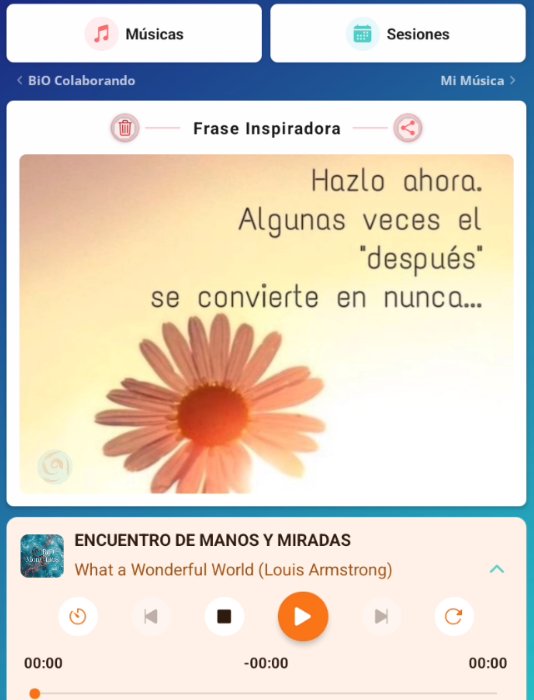
How they complement each other
If you already use BiO Momentos on your computer, BiO Momentos Mobile adds what the computer can't give you: mobility. You take your sessions, your prompts, your catalogs and your music anywhere.
And if you don't have the software yet, you can start with the App. It works perfectly on its own, and when you want to take the step to Windows or Mac, everything is ready to integrate.
What you build on the computer arrives on your phone with a tap.
Your vocabulary, your prompts, your way.
An idea on the trip, a class at the café, during a wait away from home.
Airplane mode + your material ready. When the tool respects the task, it stops getting in the way.
For Biodanza Música users
Through a process in Biodanza Música, your music, sessions, videos and information that you've been adding.
I'll accompany you in the process of transitioning to BiO Momentos Mobile and we'll leave it ready.
How it works
You build a class on the computer and, with a tap, you have it on your phone. Or the other way around. The work isn't interrupted because you switch devices.
You build the session calmly, adjust music, program prompts, define experiential lines.
You decide when. Nothing moves on its own. The session travels instantly.
Same session, same exercises, same prompts. You facilitate without cables, without laptop, without charger.
One gesture, two screens. Choose what to watch first.
Designed for Biodanza
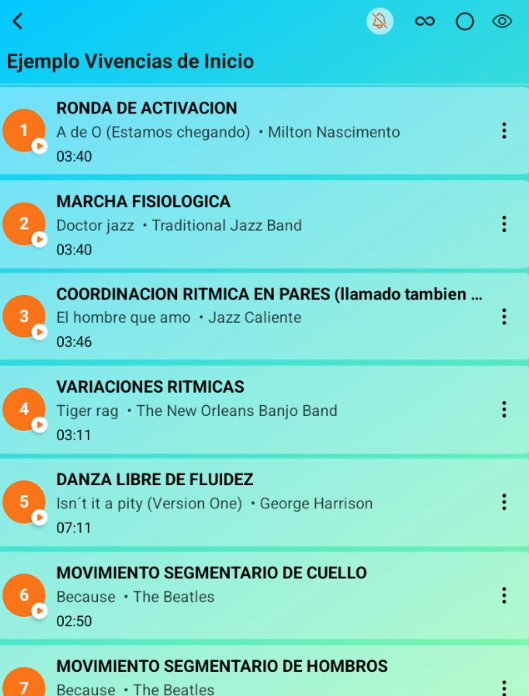
With the data you need to find what you require while teaching your class: exercise information, programming a song, and freedom of movement in the room.
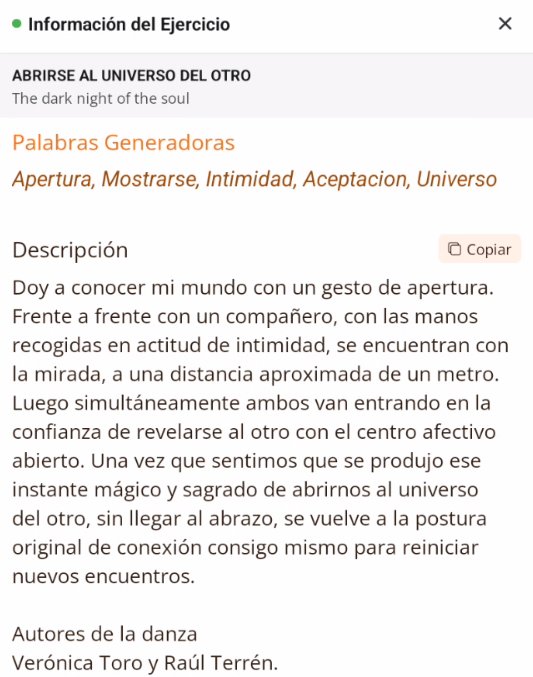
Each exercise carries its intention, its words and its description. Your knowledge, documented.
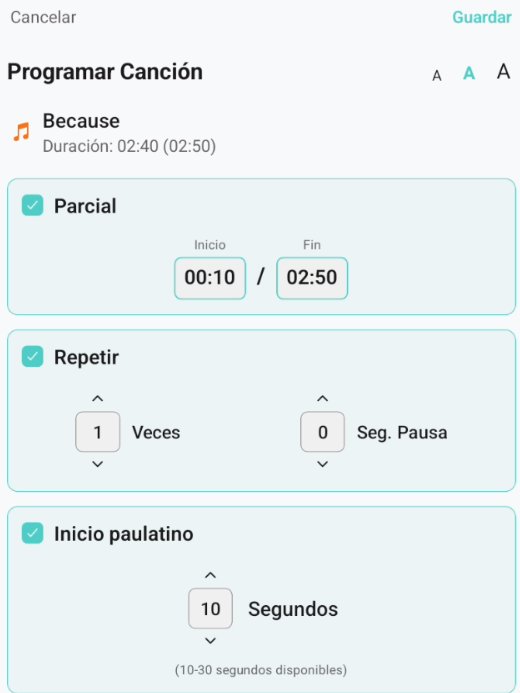
Partial cut, repetitions, gradual start. The music responds to the Vivencia, not the other way around.
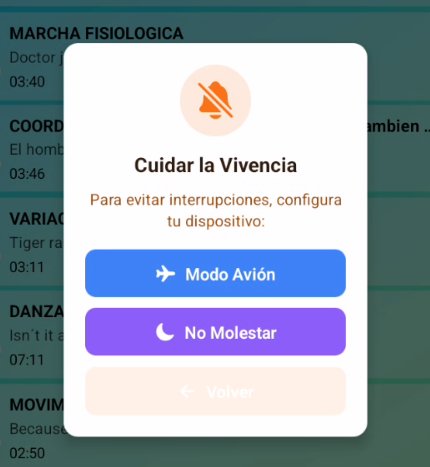
When the class begins, the noise goes quiet. Airplane Mode or Do Not Disturb with one tap. The phone at your service, not the other way around.
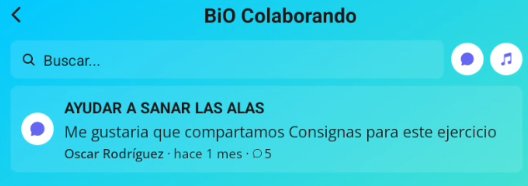
BiO Colaborando
Shared prompts, experiences, questions. A growing network of facilitators. What you contribute stays available to everyone, with your name.
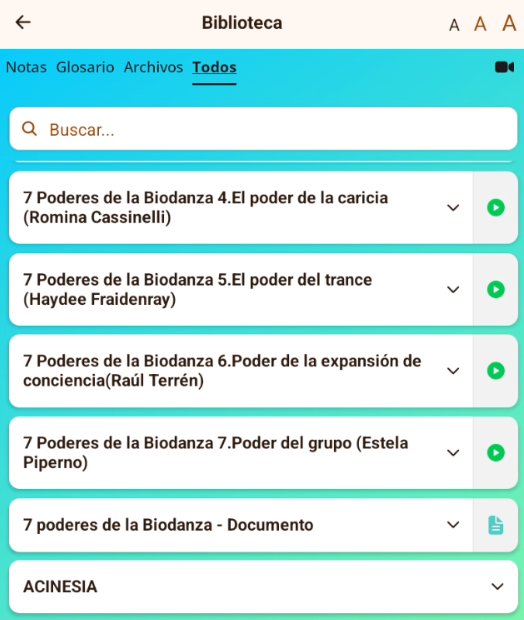
Living library
The 7 Powers of Biodanza, glossary, files, talks by leading figures. Study material always close at hand.
Plans
FREE version available. Affordable membership to keep going deeper.
To start exploring
Your music and sessions come with you to your phone.
Starting from scratch
I install and set everything up on your phone so you can start right away.
For users who signed up before September 1, 2026
USD 8/month
Message me on WhatsApp and I'll personally send you access to the app. I'll be with you for the first step.
Request access via WhatsAppOr email me at info@biomomentos.com
Contact
Leave your details and message. We'll reply shortly.
Frequently asked questions
No. BiO Momentos Mobile and the Biodanza Música or BiO Momentos application are independent resources. Each works on its own. If you have both, they integrate and you can move content from one to the other with a tap. But you can use BiO Momentos Mobile without the desktop application and vice versa.
No. Syncing when you install the App is simple and fast: what you build on the computer travels to your phone.
No. You can facilitate offline. Internet is only needed when sharing sessions or making a backup.
BiO Momentos works on Android devices. Approximately 50 GB of free space is needed for the music. It can be copied onto a memory card.
Yes. You can share a session with any colleague who has the app. And in BiO Colaborando you can add prompts, experiences and questions that stay available to the whole community.
The download is personalized. Message me on WhatsApp and I'll send you access along with the instructions so you're up and running quickly. I take the time to be with you for that first step.